Features
Colleagues can work on shared projects using Claude Code or Codex. Administrators decide who can build an app and who may publish it.
Projects and workflows
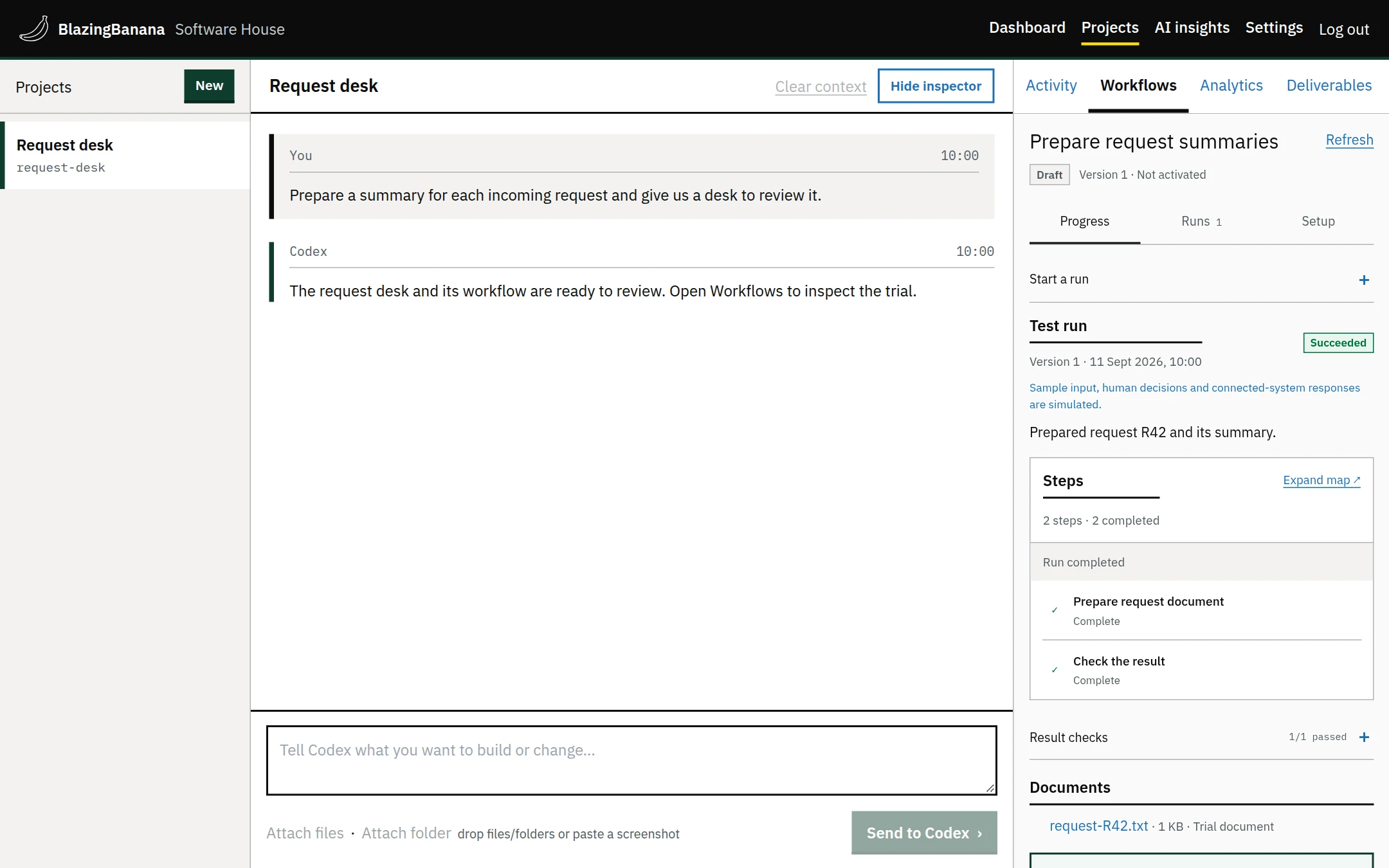
- Project chat
- Write what you need and attach files to the conversation.
- Previews and releases
- Try an app privately before publishing it. You can roll back a published version.
- Workflows
- Run work on a schedule or after an event. A run can wait for someone’s approval.
AI accounts
- Claude Code and Codex
- Use your own supported Claude or ChatGPT subscription, or your own OpenAI or Anthropic API keys.
- Connection policies
- Set whether project work uses personal accounts, company accounts or either. Automatic assessments use an organisation connection; workflows use an organisation or project connection.
- External tools and secrets
- Approve MCP tools and GitHub repositories. Choose where encrypted credentials are available: agents, previews or production.
Project access
- Shared projects
- A colleague with access can continue a project using its existing conversation and files.
- Roles and permissions
- Give a person or team permission to build, publish or roll back. These permissions are separate.
- Application access
- Let colleagues or the public use an app without giving them access to its source.
Sign-in
- Organisation and app SSO
- Connect Entra ID, Okta, Auth0 or another OpenID Connect provider. Approved apps can use that sign-in too.
- Account security
- Use authenticator codes and manage active sessions. Owners have account recovery controls.
Activity and reviews
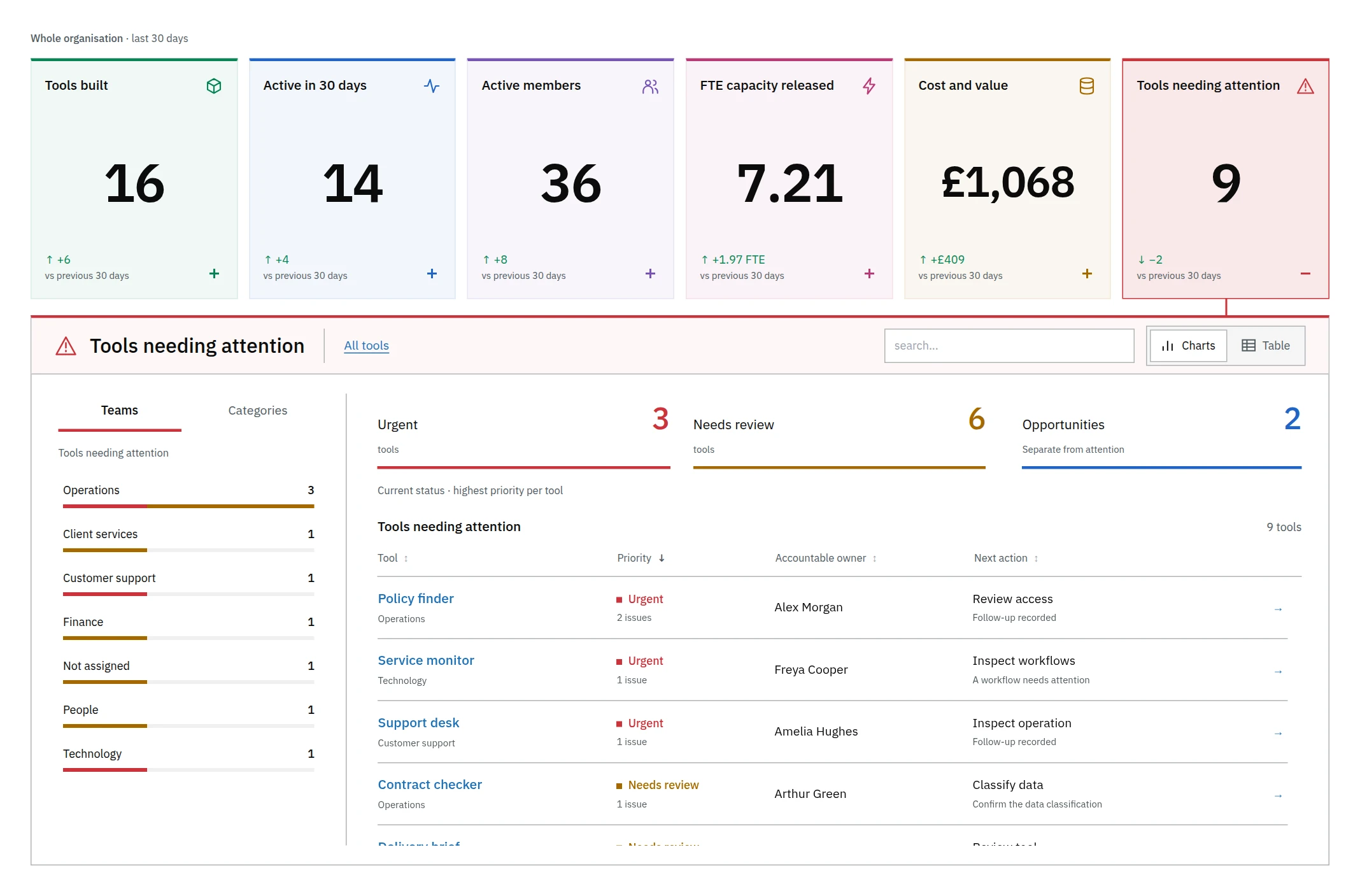
- AI insights
- Check a tool’s usage and running costs. Time estimates include sources and assumptions.
- Audit and approval
- Record who made a change. Publication can require approval by someone else.
- Data checks
- Scan supported transfers for secrets. Optional checks for personal data need configuration and do not cover every native provider tool.
Hosting and maintenance
- Your server
- Install on a dedicated Ubuntu server or a supported Kubernetes environment.
- Signed updates
- Check for signed releases in administration settings and choose when to apply them.
- Backups and recovery
- Make encrypted backups and test a restore. Keep a separate recovery plan for a lost server.